We all love the convenience of quick search results. You type something on Google and there they are — links that promise exactly what you’re looking for. But not everything that shines at the top of the page is gold. You’ve probably wondered, are sponsored websites safe?
This question matters more than ever today. Because while sponsored results are meant to help businesses get noticed, they can also open doors to scams, phishing attacks and malware traps. Let’s uncover the facts.
What Are Sponsored Websites and Why Do They Exist?
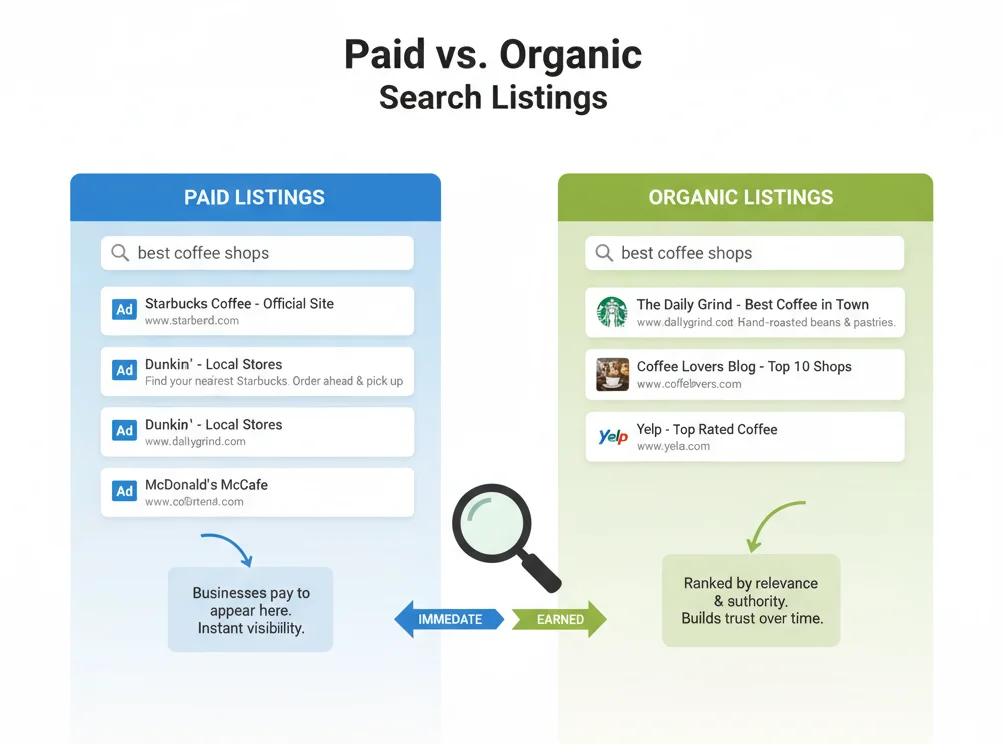
Sponsored websites are basically paid spots on search results — the ones marked with a small “Ad” label. Brands use them to get noticed faster and reach real customers.
But here’s the catch — not every sponsored site is what it claims to be. Some scammers copy trusted brands, hoping you’ll click without thinking.
In simple terms:
- Real companies use ads to promote products or services.
- Fake ones use them to steal logins or money.
- Always look closely at the web address before you click.
A 2025 Cybersecurity Ventures report revealed that nearly 22% of phishing attacks now originate from paid ads, confirming the growing risk behind sponsored listings.
The Hidden Risks Behind Sponsored Websites
Are sponsored websites safe for everyday users?
The short answer: not always. Even though platforms like Google claim to vet advertisers, some malicious ones still slip through.
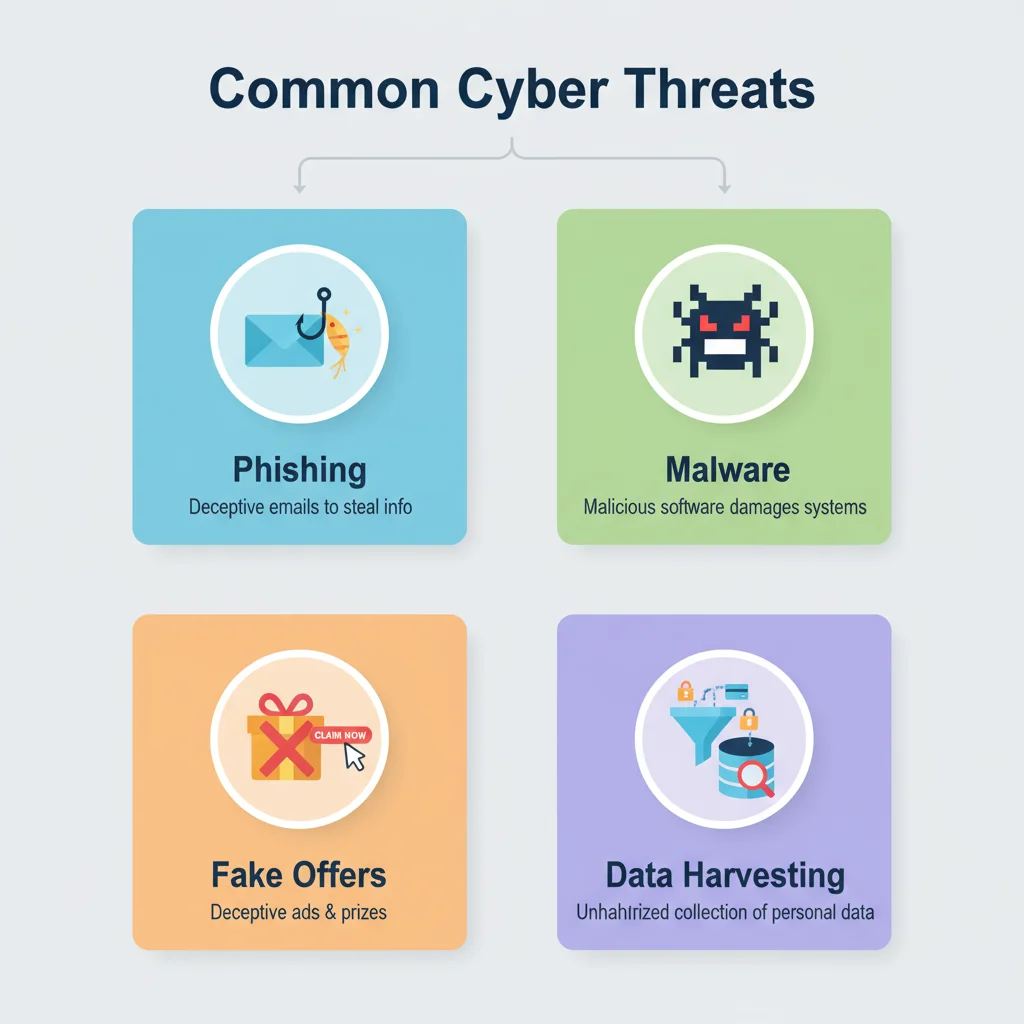
Here are the most common dangers:
1. Phishing Scams
Fake websites often copy the design of trusted brands—banks, delivery services or e-commerce stores. The goal? To make you enter your password or credit card details on a cloned page.
You think you’re logging in, but your information is being sent straight to attackers. These lookalike sites even use HTTPS certificates, so the padlock icon doesn’t always mean safety.
2. Malware & Spyware
You’d be surprised how sneaky some sponsored sites can be. One quick click, and something slips into your device without you even noticing. Maybe it’s a small file watching what you type, or a program slowly stealing your data. Sometimes it locks your own files and asks for money to give them back. At first, nothing seems wrong — until your screen starts freezing or your phone feels heavier than usual.
3. Overpriced or Fake Offers
Some ads are not outright scams but are misleading or overpriced. You might see a “discounted” product that costs more than the official website’s price. Since advertisers compete through bidding, high ad placement doesn’t mean high quality—just a higher payment to Google.
4. Data Harvesting and Tracking
Even legitimate sponsored websites often collect your personal data — browsing behavior, email and sometimes even financial information.
This data is later used for targeted advertising, but in less regulated setups, it can fall into the wrong hands.
How to Identify a Safe Sponsored Website
Knowing the red flags can save you from serious harm.
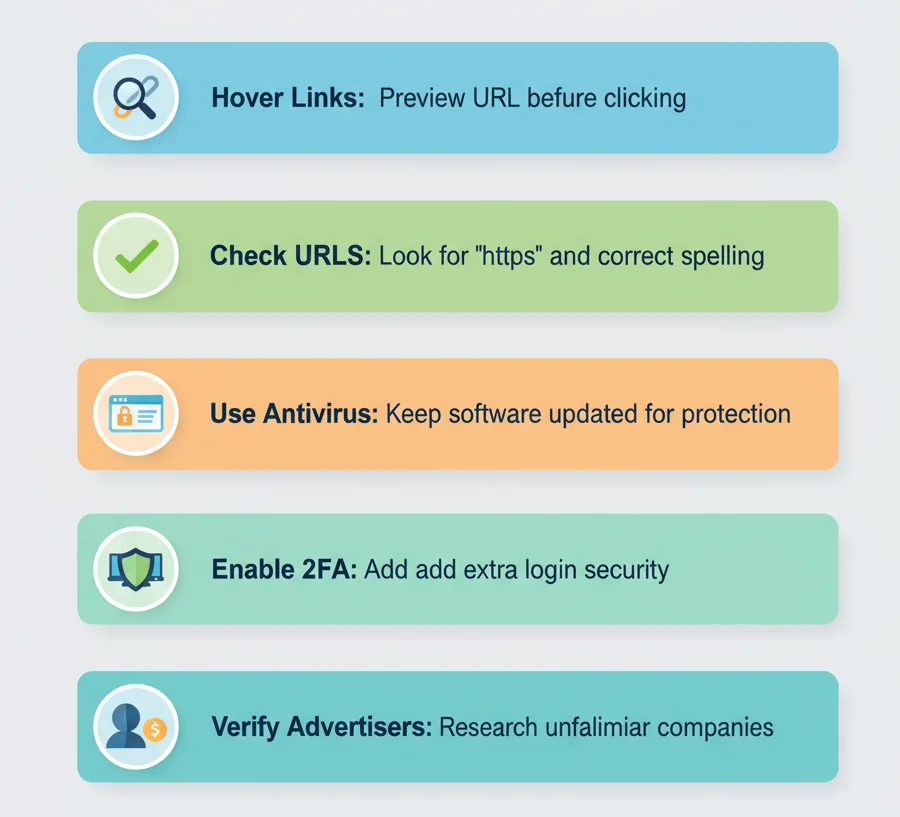
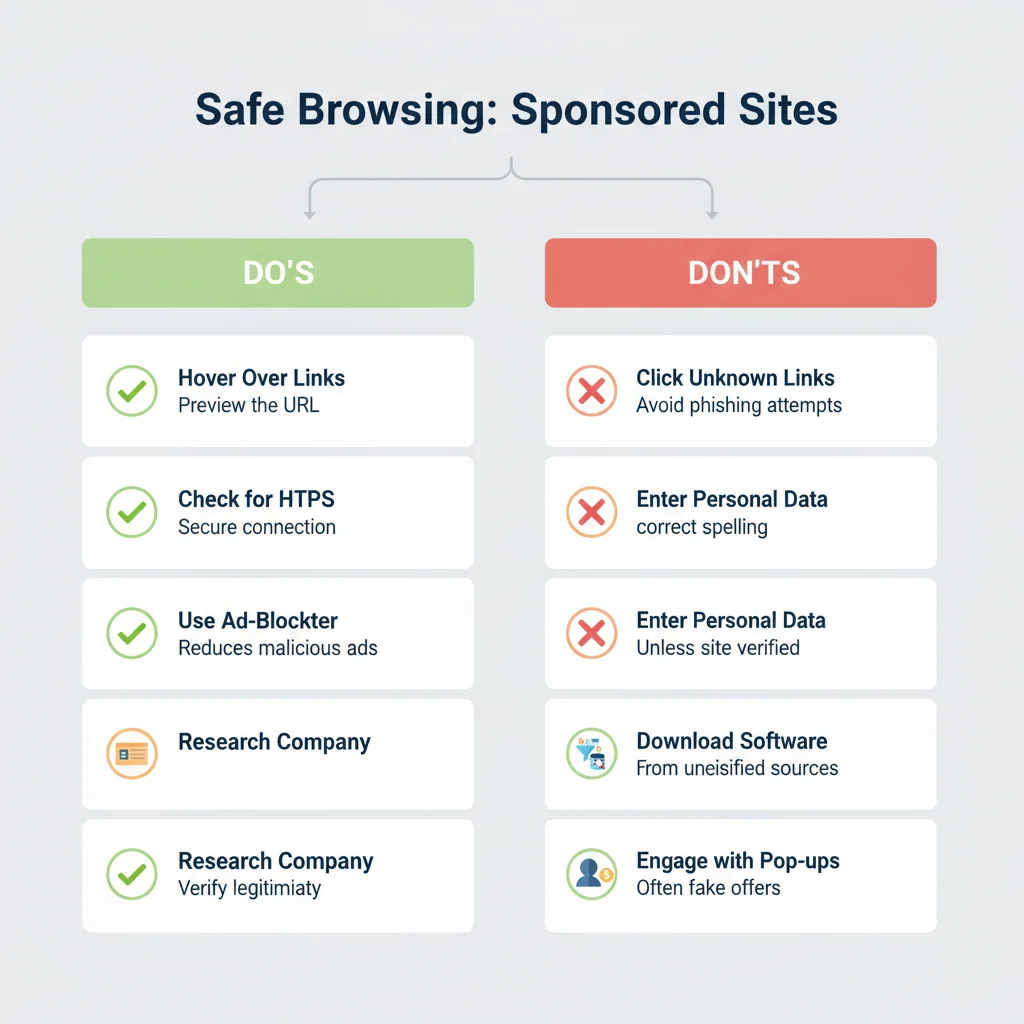
Here’s what experts recommend before you click any sponsored link:
- Check the URL – Look for spelling errors or weird domains (like .info or .co.xyz).
- Hover Before Clicking – If the link preview looks odd, skip it.
- Avoid “Too Good to Be True” Offers – Unreal discounts or urgent pop-ups are red alerts.
- Use Verified Sources – Go directly to the brand’s official site instead of clicking an ad.
- Install Security Extensions – Tools like uBlock Origin or Malwarebytes Browser Guard can detect suspicious sponsored sites.
Tip: Legitimate brands rarely ask for login details, OTPs or payments directly through ads.
Real Example: The Bank Login Trap
A case in Malaysia showed how criminals used Google Ads to mimic major banks. When users searched “BankName login,” they saw a sponsored ad at the top. Clicking it took them to a perfect copy of the real site.
After entering credentials, users were silently redirected to the genuine site — making the attack nearly invisible.
Hundreds lost access to their accounts.
That’s why experts repeatedly ask: Are sponsored websites safe if they look 100% real? Clearly, appearances can deceive.
What You Can Do to Stay Safe
Here’s how to protect yourself every time you browse or shop online:
- Use bookmarks instead of clicking ad links for sensitive sites like banks.
- Turn on Two-Factor Authentication (2FA) to secure your logins.
- Keep software updated to block malware vulnerabilities.
- Avoid clicking ads for “refunds,” “free offers,” or “account updates.”
- Check advertiser identity — Google and Meta now show “About this advertiser.”
Remember, safe browsing is not just about caution—it’s about awareness.
Are Sponsored Websites Safe: Quick Checklist
| Action | Why It Matters |
| Check URLs carefully | Prevent phishing attacks |
| Avoid ad-based logins | Stop credential theft |
| Use antivirus software | Detect malware early |
| Enable 2FA | Extra protection for accounts |
| Verify advertisers | Ensure legitimacy |
People Also Ask Questions
1. I keep seeing “sponsored” links in my search results. Are these sponsored websites safe to click on or are they a scam?
Not always. Some are legit ads from real companies, while others are traps made by scammers. Don’t assume safety just because it’s at the top of Google — take a second to check who’s really behind it.
2. How can I tell if a sponsored website is real or just a sales gimmick?
Real sites feel genuine — they have proper contact details, a clear “About” page, and no wild promises. If the site feels pushy or oddly written, it’s probably not worth trusting.
3. Is my credit card safe on a sponsored website?
Only if the site is secure. Look for a small padlock icon and “https://” in the URL. If something feels off or too flashy, skip entering your details.
4. Do sponsored websites have any real advantages over normal results?
Sometimes, yes. New brands often use sponsored ads to promote genuine offers or products. Just do a quick check before buying — a quick Google search can reveal a lot.
5. Why be extra careful with sponsored sites?
Because money, not trust, puts them there. Some advertisers use that top spot to push exaggerated deals or shady offers.
6. Can a sponsored website infect my computer?
It can happen — though it’s rare with big ad networks. Avoid your clicks on “free downloads” or pop-ups from unknown names.
7. What’s a clear red flag for unsafe sponsored sites?
Urgency. If a site keeps shouting “limited stock” or “offer ends in 10 minutes,” that’s your cue to walk away. Real businesses don’t need fear tactics.
Final Thoughts
When people ask: Are sponsored websites safe? The answer isn’t simple but technical. Many ads are real, but some have hidden scams or malware.
The safest move is to stay alert — always check the URL before clicking or sharing details. For brands, trust comes from real visibility, not risky ads or unsafe links. If you want to learn how to build safe relevant backlinks that Google trusts, explore our complete guide on earning safe, niche-related backlinks
Postspack helps businesses grow safely through ethical link building and genuine SEO strategies.