You’ve spent months building backlinks, chasing authority, and polishing your on-page SEO — but something still feels off. Your traffic dips. Rankings wobble. And you start wondering, what went wrong?
That’s when the truth hits: Ahrefs toxic backlinks might be quietly sabotaging your progress. They look harmless at first, yet they carry the kind of SEO poison that search engines notice instantly. If you’re serious about protecting your domain authority and organic trust, understanding how to detect and handle these links is no longer optional — it’s survival.
What Exactly Are Ahrefs Toxic Backlinks?
Ahrefs, one of the most respected SEO tools in the world, lets marketers analyze every link pointing to their website. It can also flag backlinks that appear “toxic.” But what does that really mean?
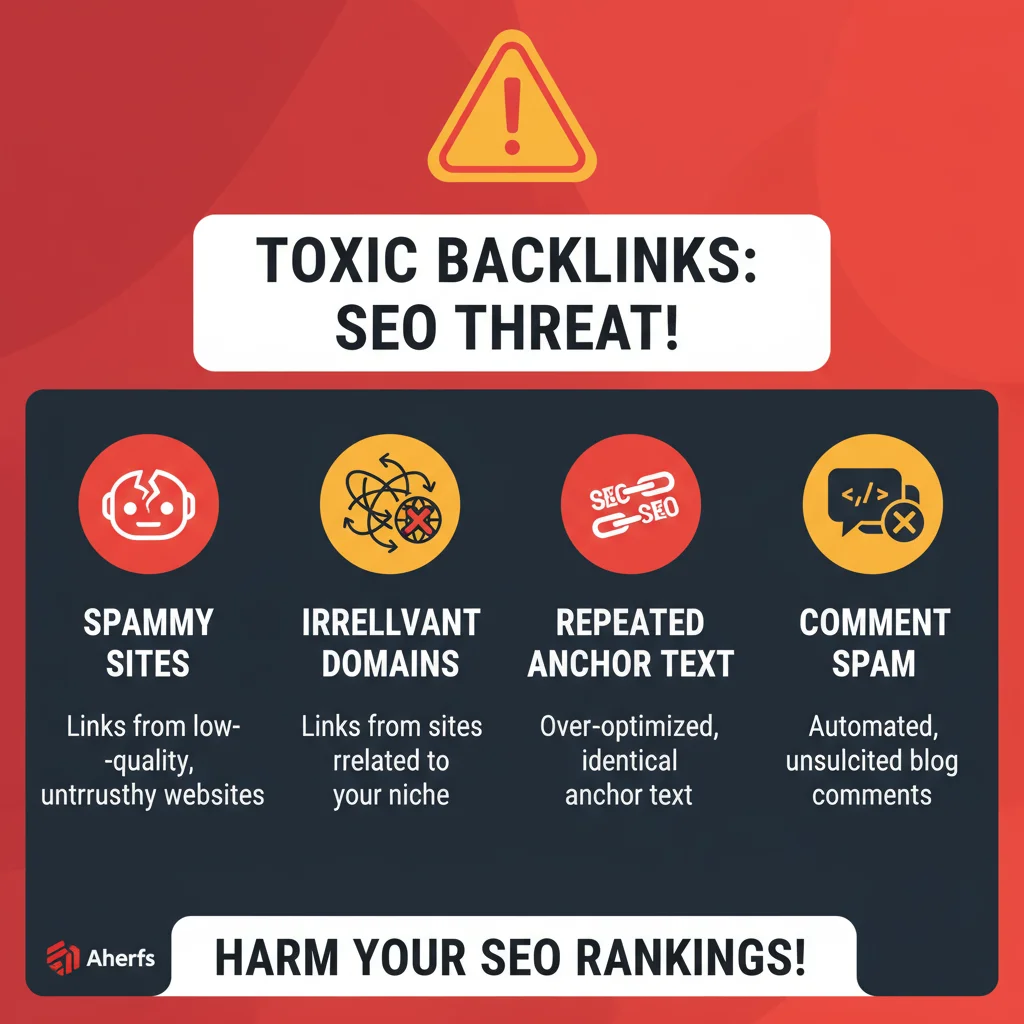
A toxic backlink is a link from a site that Google sees as untrustworthy — often a spam network, link farm, or irrelevant domain. These links don’t pass authority; they drain it.
Typical signs include:
- The linking site has low domain authority or no organic traffic.
- The page linking to you is full of irrelevant or spun content.
- The same anchor text appears hundreds of times across shady domains.
- The backlink comes from automated comment sections or PBNs.
Ahrefs uses metrics like Domain Rating (DR), organic traffic, and anchor distribution to highlight risk levels. But no tool is perfect — it’s your job to confirm what’s truly harmful before taking action.
Why Toxic Backlinks Are a Silent SEO Killer
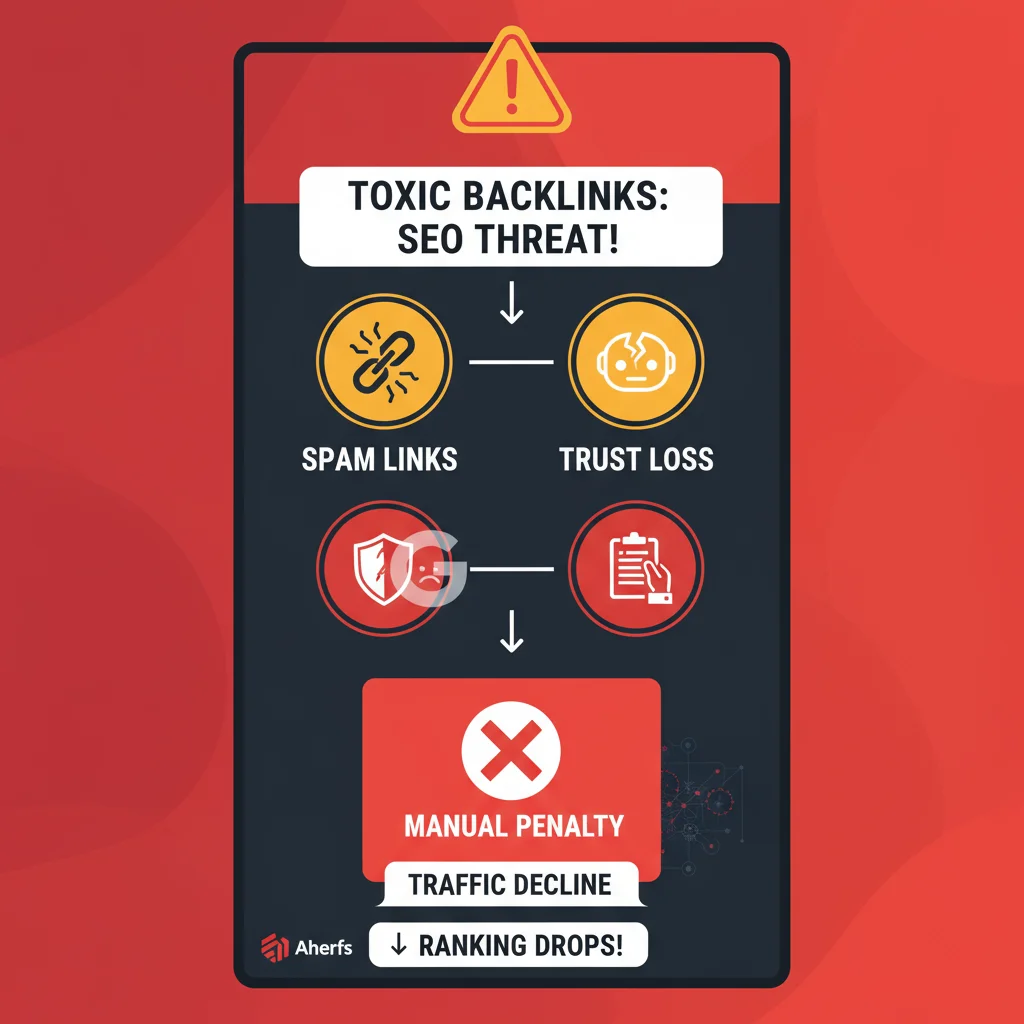
Google’s ranking system works on trust. Every backlink is a “vote” for your site’s credibility. But when your profile is packed with suspicious links, Google starts questioning whether those votes are genuine.
Here’s what happens when ahrefs toxic backlinks pile up:
- Ranking decline: Search engines lower your authority because they assume you’re trying to manipulate results.
- Manual action: A real Google reviewer can flag your site for unnatural link patterns.
- Loss of credibility: Clients, brands, and partners may hesitate to work with a domain that’s flagged for spam.
- Crawl waste: Googlebot spends time crawling junk backlinks instead of quality content.
In one industry study, 45% of sites hit with ranking penalties had a high ratio of spam backlinks. That’s not a coincidence — it’s a warning.
Google’s ranking system works on trust. Every backlink is a “vote” for your site’s credibility. But when your profile is packed with suspicious links, Google starts questioning whether those votes are genuine — something clearly emphasized in Google’s 2025 Link Spam Update, which warns against manipulative link signals.
How to Spot Toxic Backlinks Using Ahrefs
You don’t need to be a technical expert to find dangerous links. Ahrefs makes the job clear with its backlink audit features.
Here’s a quick method you can use right now:
- Open Ahrefs Site Explorer and enter your domain.
- Go to Backlink Profile → Referring Domains.
- Sort results by Domain Rating (DR) and Traffic.
- Look for sites with DR below 10, no organic traffic, or strange anchors.
- Review the actual pages manually before making a decision.
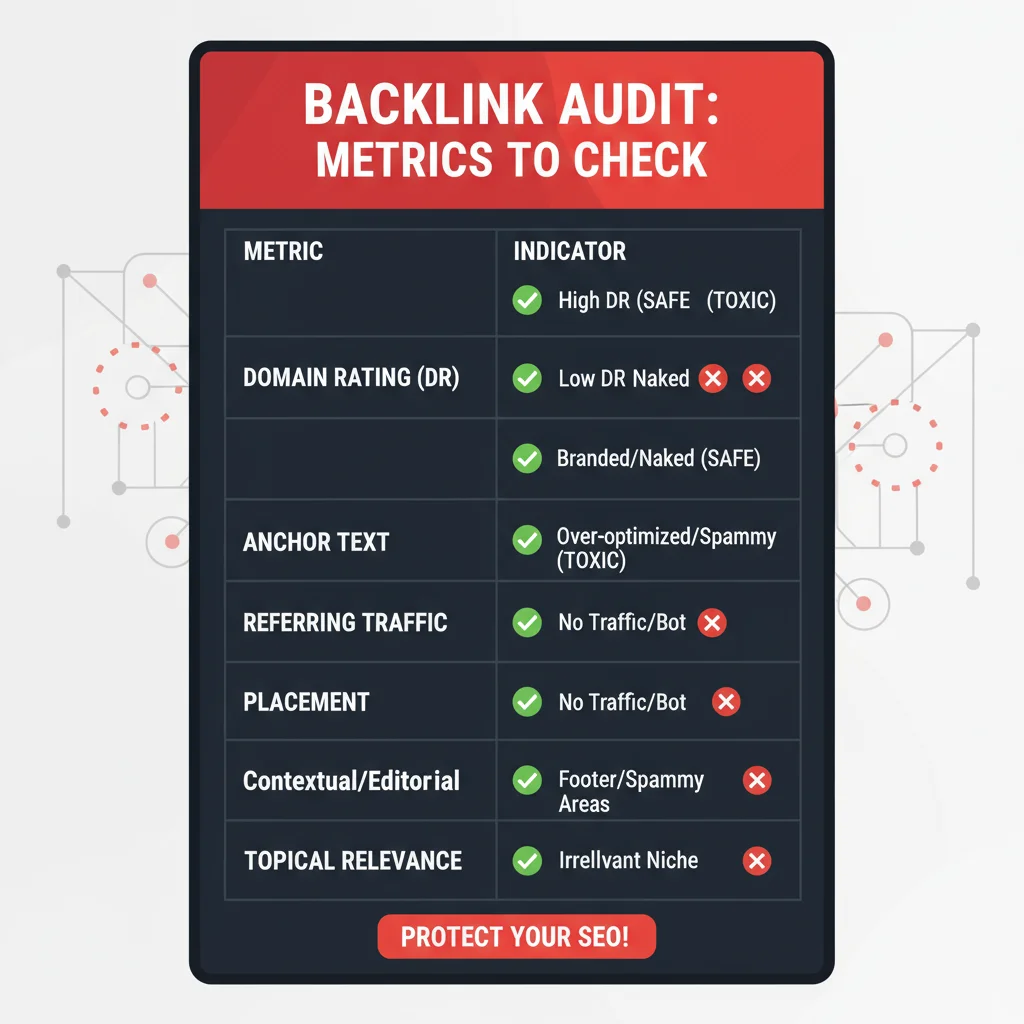
| Metric | What to Check | Why It Matters |
| Domain Rating | Below 10 or spammy | Indicates low authority |
| Anchor Text | Exact-match or foreign | May look manipulative |
| Traffic | 0 or near-zero | Suggests fake or inactive site |
| Placement | Footer, sidebar, or auto-comment | Usually low-trust spots |
| Topical Relevance | Unrelated content | Breaks contextual trust |
A smart backlink audit blends data and judgment — never rely on automation alone.
Removing and Preventing Ahrefs Toxic Backlinks
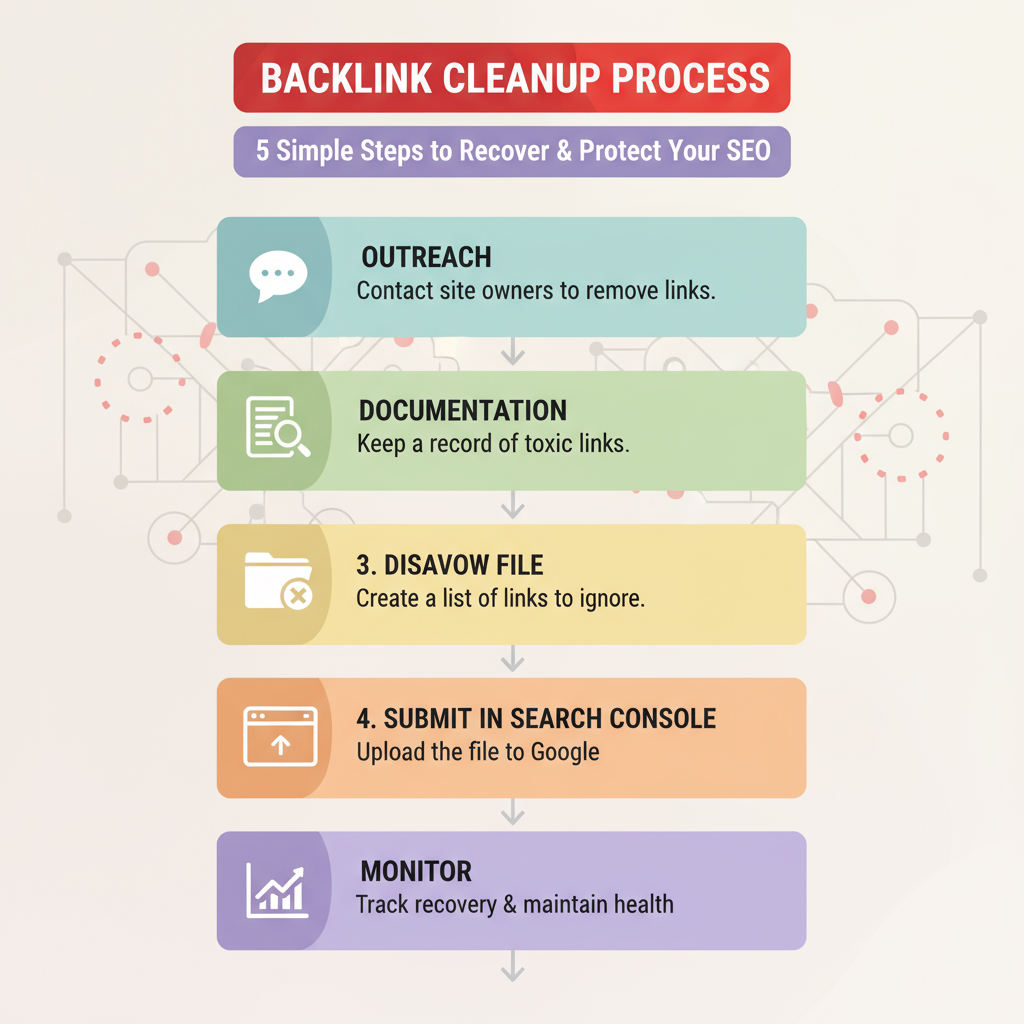
Once you know what’s hurting you, it’s time to clean house. Link cleanup isn’t glamorous, but it’s one of the most impactful SEO maintenance tasks you can do — especially if you’re working to build safe, relevant backlinks that protect your site from penalties.
Step 1: Reach Out Politely
Find the contact email on the linking domain and ask for removal. Be clear, concise, and professional. Most webmasters respond if your request sounds reasonable.
Step 2: Keep Track of Every Link
Document your outreach — it helps prove good-faith efforts if Google ever reviews your site.
Step 3: Create a Disavow File
If a link can’t be removed, list it in a .txt file for Google’s Disavow Tool. This tells Google to ignore those links during ranking evaluations.
Step 4: Submit via Search Console
Upload your file in Google Search Console → Disavow Links Tool.
Step 5: Monitor New Backlinks
Toxic links can reappear through scrapers or spammers, so schedule monthly or quarterly audits.
When Ahrefs Gets It Wrong
Sometimes, even a trusted tool like Ahrefs might flag a backlink as “toxic” when it’s actually fine. For instance, a niche blogger from a small region might have low DR but still provide contextually relevant traffic.
If you blindly disavow every flagged link, you might lose genuine authority. That’s why manual review matters — it’s the difference between cleanup and self-damage.
Pro tip: keep a balanced backlink ratio. A few weak links won’t hurt as long as your high-quality links dominate your profile. Focus on earning new, relevant mentions through guest posting, PR coverage, and content worth linking to.
Real Example of Smart Link Cleanup
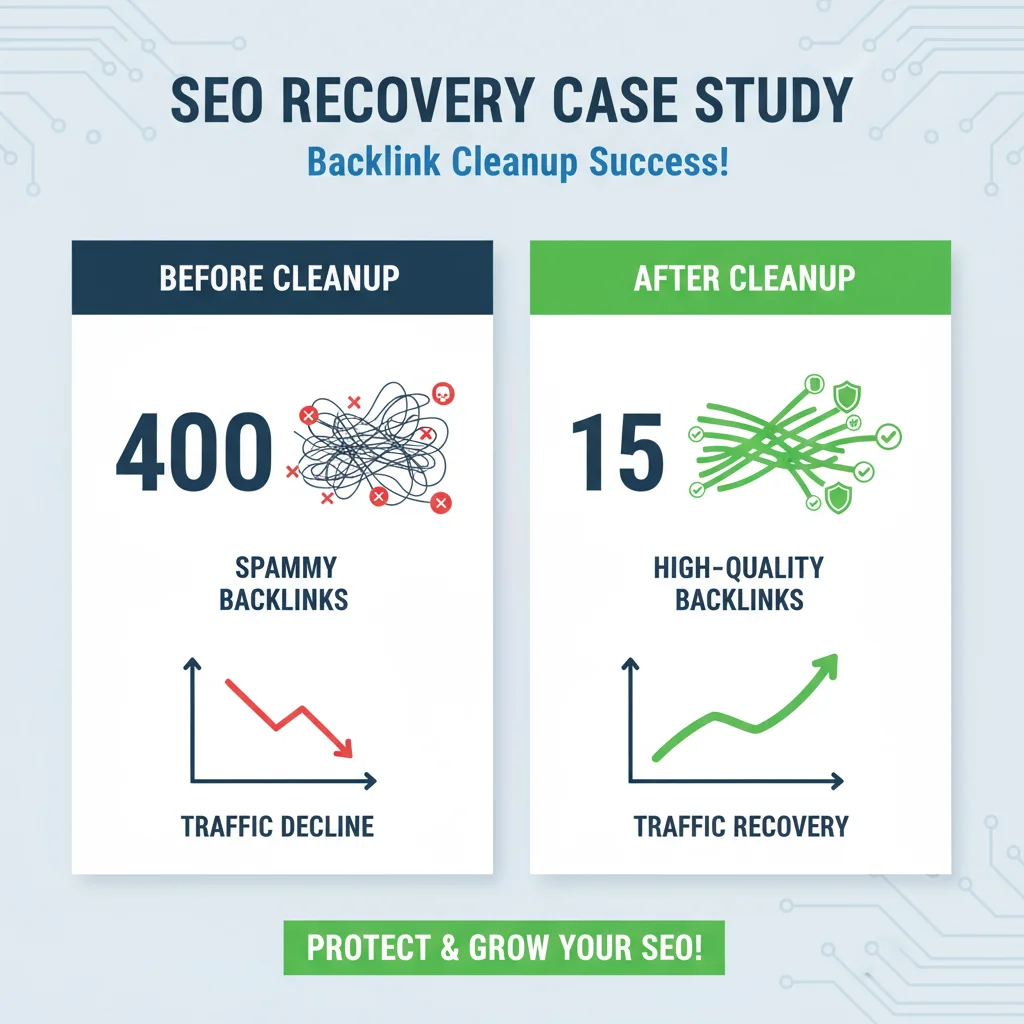
Imagine a startup discovers 400 backlinks after a viral campaign. At first, it looks great — until Ahrefs shows 80 of them come from foreign directories, blog comments, and adult-themed forums.
Instead of panicking, the SEO team audits each domain. They remove what they can, disavow the rest, and replace them with 15 strong backlinks from trusted publications. Within three months, their traffic stabilizes, and rankings rebound.
That’s what a proactive backlink strategy looks like: identify, act, recover.
People Also Ask
1. What makes a link “toxic” in Ahrefs?
2. My toxicity score is high. Am I penalized?
3. What’s the first thing I should do?
4. When do I need the Disavow Tool?
5. What’s the biggest disavow mistake?
6. A competitor is spamming me with bad links. Now what?
7. Do I disavow the whole domain or just the page?
8. How long after disavowing will my site recover?
Final Thoughts
Dealing with ahrefs toxic backlinks isn’t just about cleaning up your link profile — it’s about rebuilding your site’s trust and authority the right way. Removing harmful links protects your rankings, but earning high-quality backlinks is what drives real growth. That’s why many brands turn to Postspack’s Guest Post service, where every link is placed naturally on credible, niche-relevant websites. When you combine smart cleanup with strategic link-building, your site doesn’t just recover — it rises stronger, safer, and ready to lead in search results.